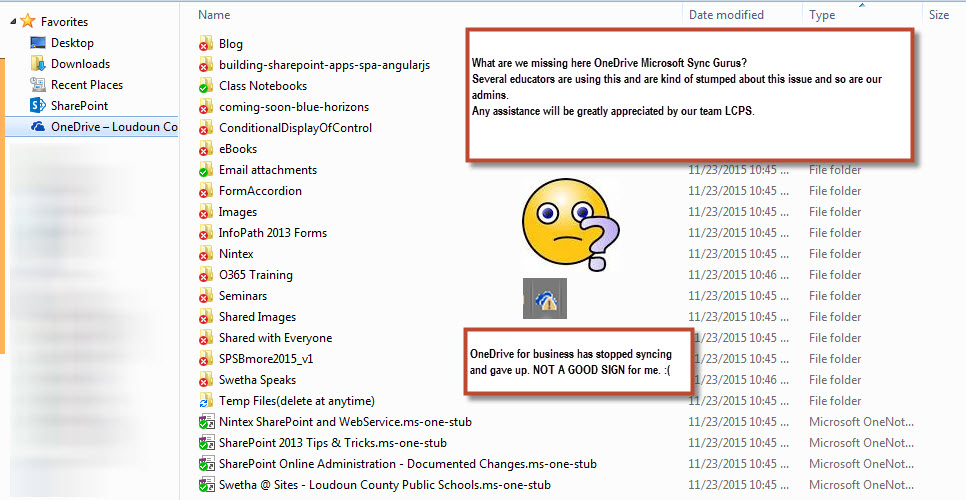
Issue:
Your staff have full admin rights over SharePoint site. Staff uploaded number of documents to a folder on Shared library on your SharePoint site. However, no one can see the files uploaded to the folder on the shared drive.
Fix:
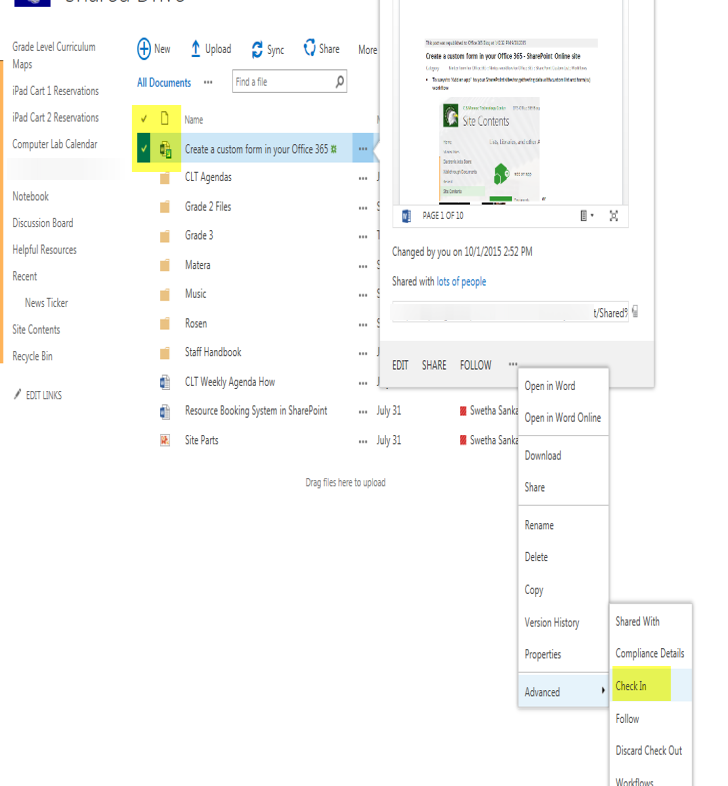
This happens because of version control enabled in your Shared Document library.
The green down arrow in the word document icon right to check mark, means the document is checked out and won’t be visible until its checked back in.
You can disable version control if you don’t want to be checking in documents as well. More information on version control: https://support.microsoft.com/en-us/kb/3050531
Steps to remove versioning: https://support.office.com/en-us/article/Enable-and-configure-versioning-for-a-list-or-library-1555d642-23ee-446a-990a-bcab618c7a37

Your staff who you have shared document with will be able to see it in their site’s document library now post Check In!
#office365, #sharepoint
Discover more from QubitSage Chronicles
Subscribe to get the latest posts sent to your email.